
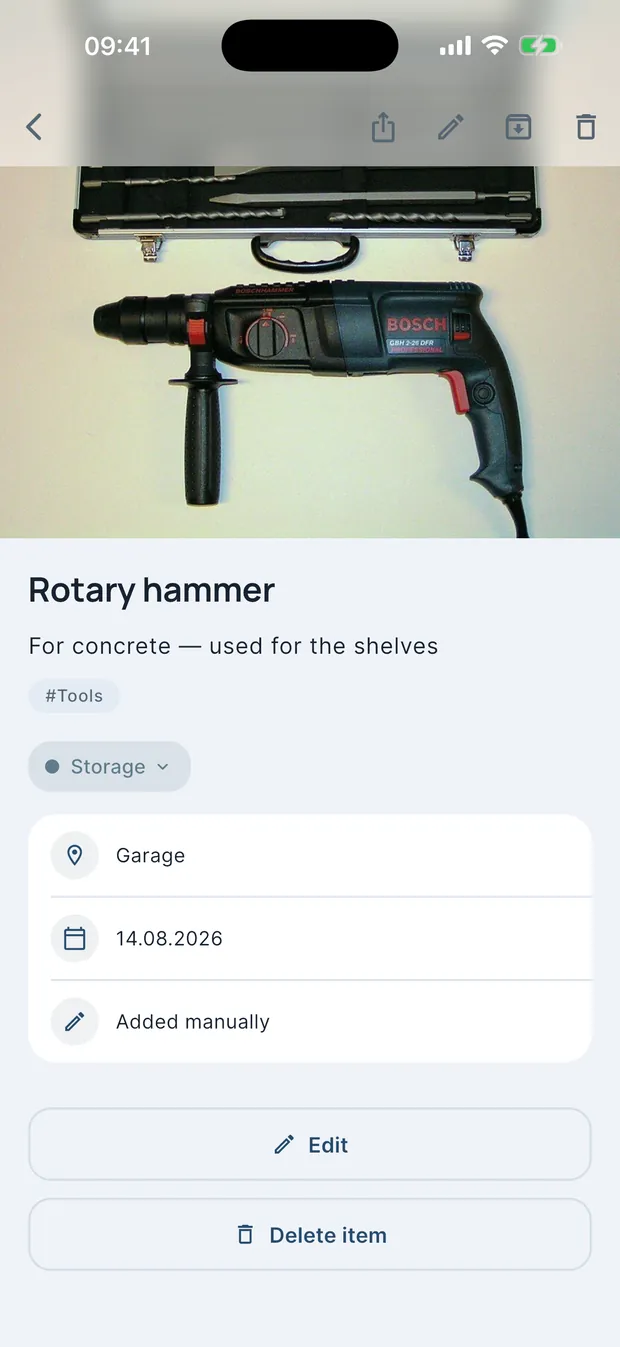
AI recognition
Point the camera at a shelf, a box or a drawer. AI spots every item, names it and writes a searchable description.

Available on the App Store and Google Play
Photograph a shelf — AI recognizes every item, names it and files it away. Find anything in seconds, even years later.
Get the app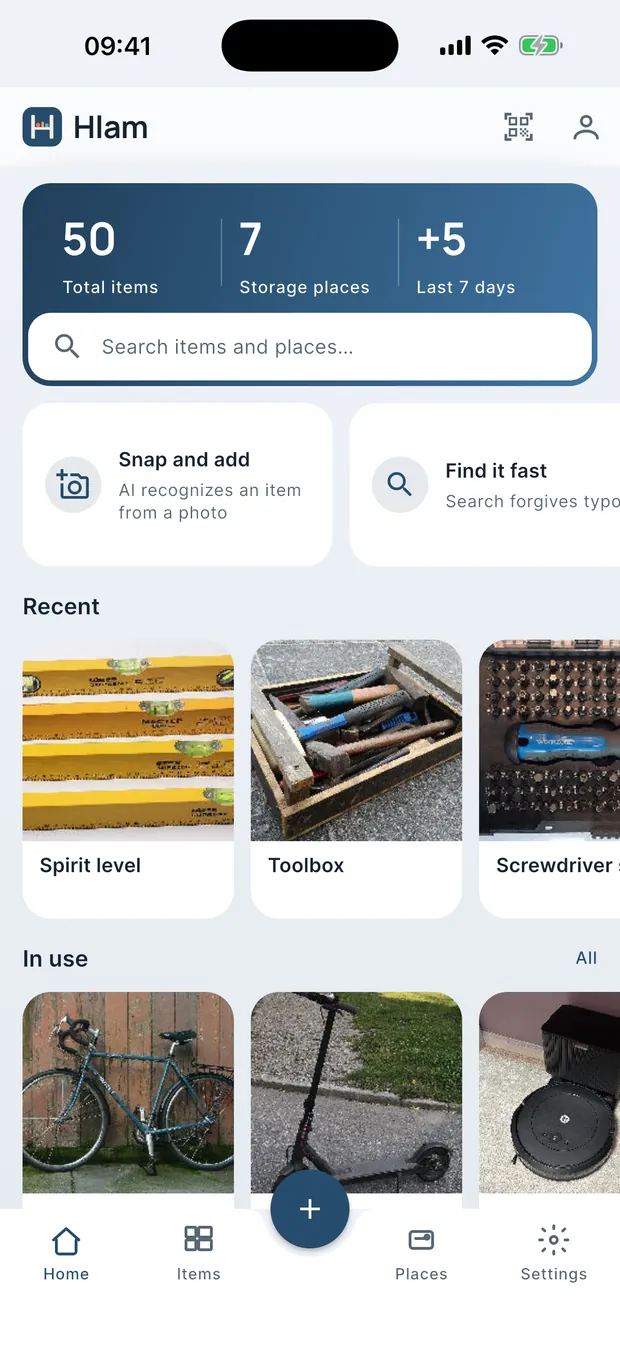
Point the camera at a shelf, a box or a drawer. AI spots every item, names it and writes a searchable description.
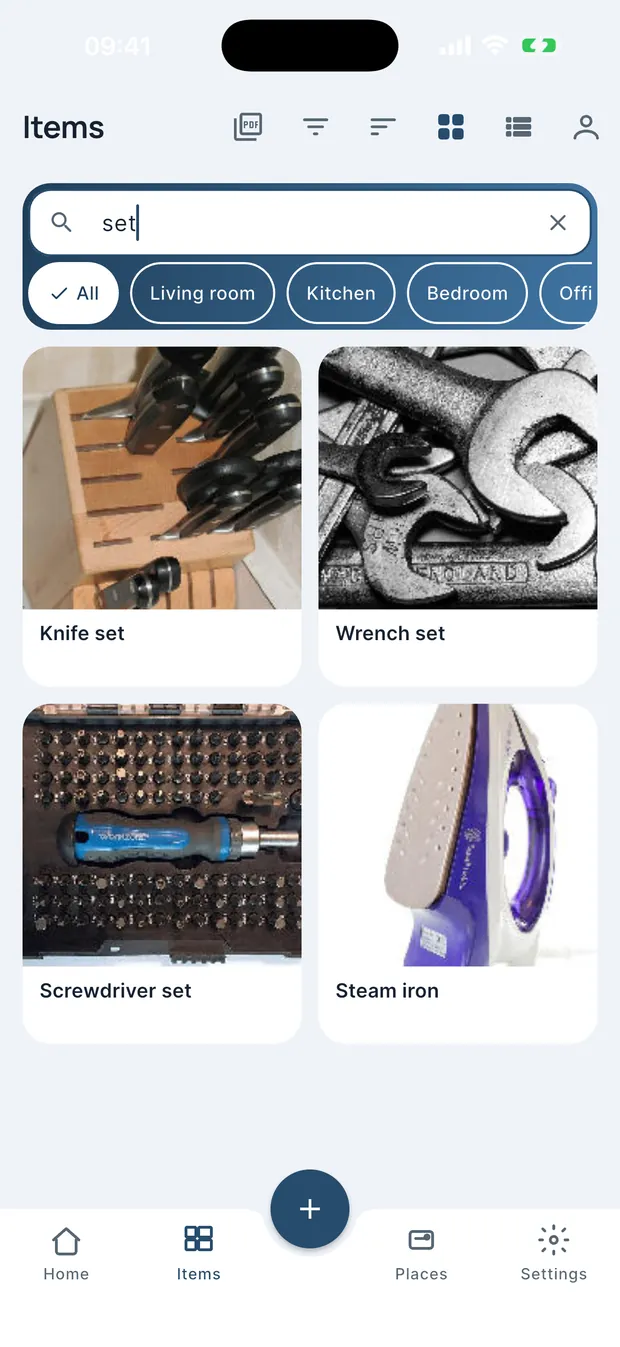
«Where is the soldering iron?» Type a word — get the exact box, shelf and room. Even for stuff you packed years ago.
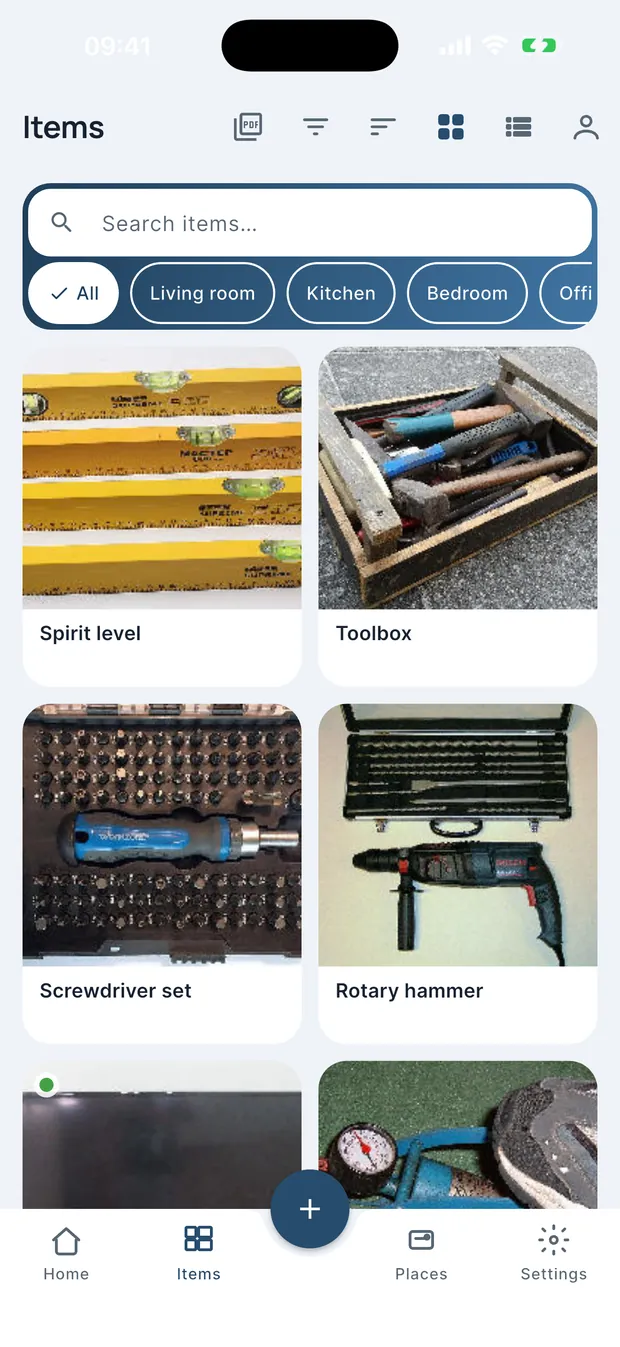
Rooms, shelves, boxes. Filter by place and see exactly what lives where.
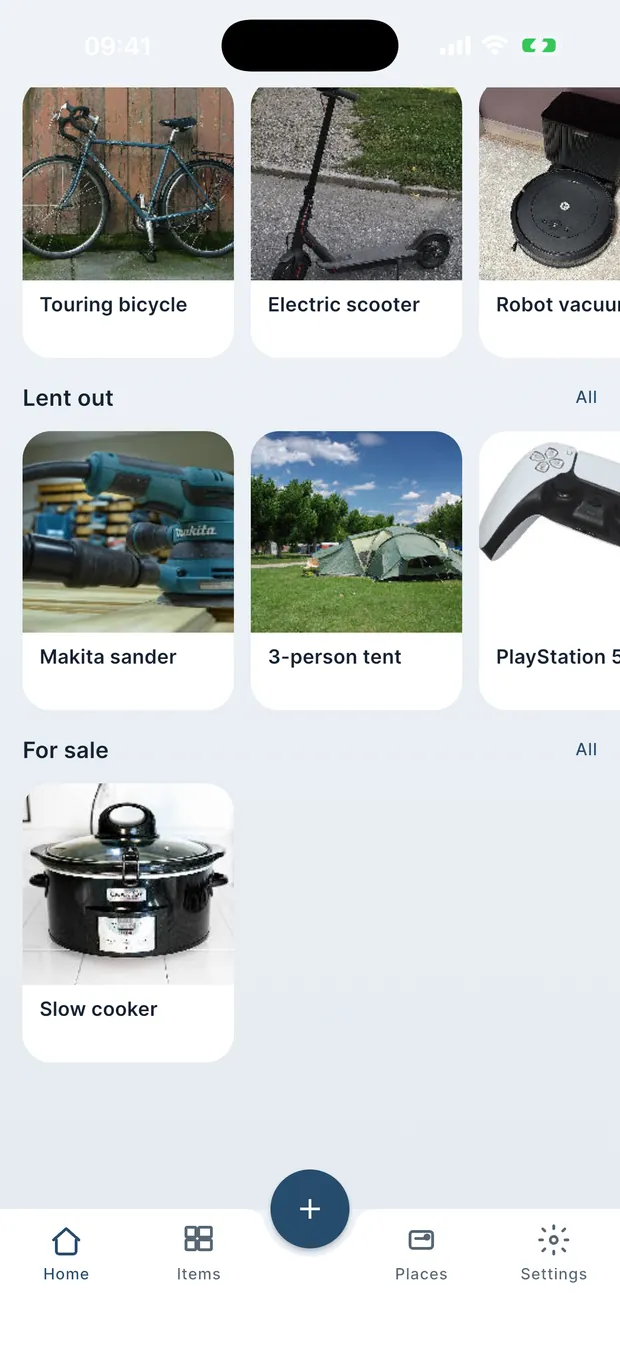
Gave the drill to a neighbour? Mark it lent and get a reminder — the app remembers who has your things.
Also inside: QR labels for boxes, reminders for lent things, full offline mode and a ZIP export of everything.
Names, descriptions and photos are encrypted on your phone before anything leaves it. The key stays on the device, so what sits on the server is a block of bytes we have nothing to open.
On your phone
Key lives here
Name, place, photo — all readable. The encryption key lives here too, derived from your recovery phrase.
On our server
No key
Only the encrypted block. No name, no photo, no place — we have nothing to decrypt it with.
It is derived from your recovery phrase and stored on the phone alone. We never receive it — not at sign-up, not during sync.
The recovery phrase rebuilds the key on another device. Without it nobody can restore the data, us included — that is the price of real encryption.
The email you signed in with, and a photo at the moment of recognition: it goes to the AI provider once, and is stored encrypted afterwards.
Cloud sync is optional — the app is fully usable offline, and you can wipe the cloud copy at any time.
Technical documentation: algorithms and keysThe app is free. AI recognition uses tokens: you get a starter pack at sign-up and can buy more when you run out. Manual adding is always free.
One photo recognition costs 1–2 tokens depending on the AI mode. Everything else — search, QR labels, sync, export — costs nothing.
Encrypted data cannot be restored without them — that is the price of real end-to-end encryption. Keep the phrase somewhere safe, like a password manager.
iOS and Android — available on the App Store and Google Play.
Yes. Everything lives on your device; the cloud is only for backup and syncing between devices, and you can turn it off entirely.
No. A photo travels to the AI provider once, at the moment of recognition, and is afterwards stored end-to-end encrypted. We cannot browse your things.
Hlam is a home inventory app: a catalogue of your things with photos, search across boxes, shelves and rooms, tracking of lent items, QR labels for boxes and a household inventory list for moving. It fits a flat, a garage, a summer house, a storage room or a self-storage unit.
The list is built from a photo: AI recognizes the objects in the frame, names them and writes a description, and you review and confirm. Data lives on your phone and syncs between devices with end-to-end encryption. The app works offline, exports everything to a ZIP archive and is available for iOS and Android on the App Store and Google Play.